How I make my videos
The avatar is a tool. The story is still mine.
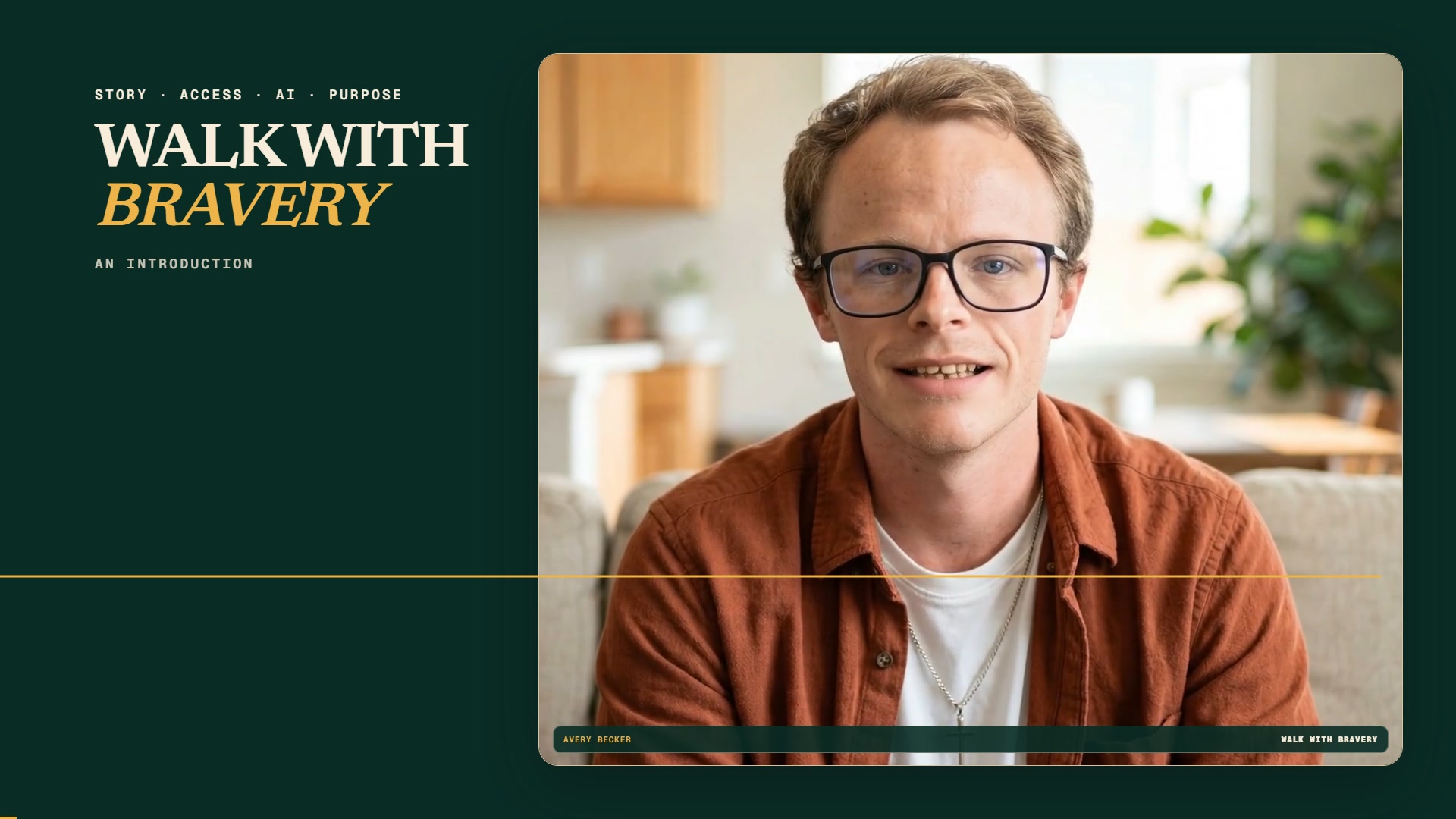
Traditional filming can take energy, speech, and physical consistency that I do not always have. HeyGen gives me another way to show up, teach, and share what I have lived.
First: what the software is
HeyGen turns a script into an avatar-led video.
HeyGen is an online AI video platform. Its AI Studio lets a creator choose or upload an avatar, enter a script, choose a voice, add media and text, and generate a video without a traditional camera shoot or editing timeline.
It can make the production easier. It cannot decide what I believe, verify my memories, or take responsibility for what I publish. Those parts stay with me.
Read HeyGen's official AI Studio guideMy process
Six steps from an idea to a video I am willing to publish.
You do not need to copy every choice. The important part is to keep your own voice, check the output, and be honest with the people watching.
I begin with what I actually want to say.
The story, opinion, or lesson has to come from me. I write the first version in my own words, even when I use AI later to help me organize it.
I shape it for speaking, not just reading.
I read the script aloud, shorten crowded sentences, and mark the places that need a pause. If it does not sound like me, it is not ready.
I build the presenter in HeyGen.
HeyGen can create a reusable digital avatar from approved footage or a photo. I use my own likeness so I can appear on camera without having to record every take physically.
I add the script and choose the format.
In HeyGen's AI Studio, I choose landscape for a full YouTube video or portrait for a Short, add my script, and set the avatar and voice for the presentation.
I review the result like an editor.
I check every claim, listen for pronunciation and pacing, and watch for visual or lip-sync mistakes. AI can produce a convincing result and still get something wrong.
I add access and say what is AI-made.
I include captions, keep text readable, and identify the digital avatar clearly. The technology should help someone understand the story—not make them guess what is real.
Why I use it
AI does not replace my voice. It helps my voice get through the barriers around it.
For me, this is an accommodation.
Some days I have pain, fatigue, brain fog, or trouble producing a consistent on-camera take. A digital avatar lets me separate the thinking and writing from the physical demand of filming.
That does not mean pressing one button and accepting whatever appears. I still make the decisions, revise the language, check the details, and decide whether the final video represents me.
The trust rule
I will tell you when the person on screen is an avatar.
I do not want AI to make my story less human. I use plain disclosures, never make an avatar of another person without permission, and correct mistakes instead of pretending the tool is perfect.
If you make your own videos, start there: consent, accuracy, captions, and honesty are part of the creative work.
See those principles in the film